
This post was updated March 20, 2026.
If your LinkedIn visuals are getting cropped, blurry, or just feel off, the culprit is usually simple: incorrect LinkedIn image sizes.. Using the correct LinkedIn image dimensions is one of the fastest ways to level up your professional brand without spending a dime on design.
This guide covers every LinkedIn image size you need in 2026 — including profile photos, cover banners, feed posts, articles, newsletters, ads, and event images. Bookmark this page as your go-to LinkedIn sizing reference.
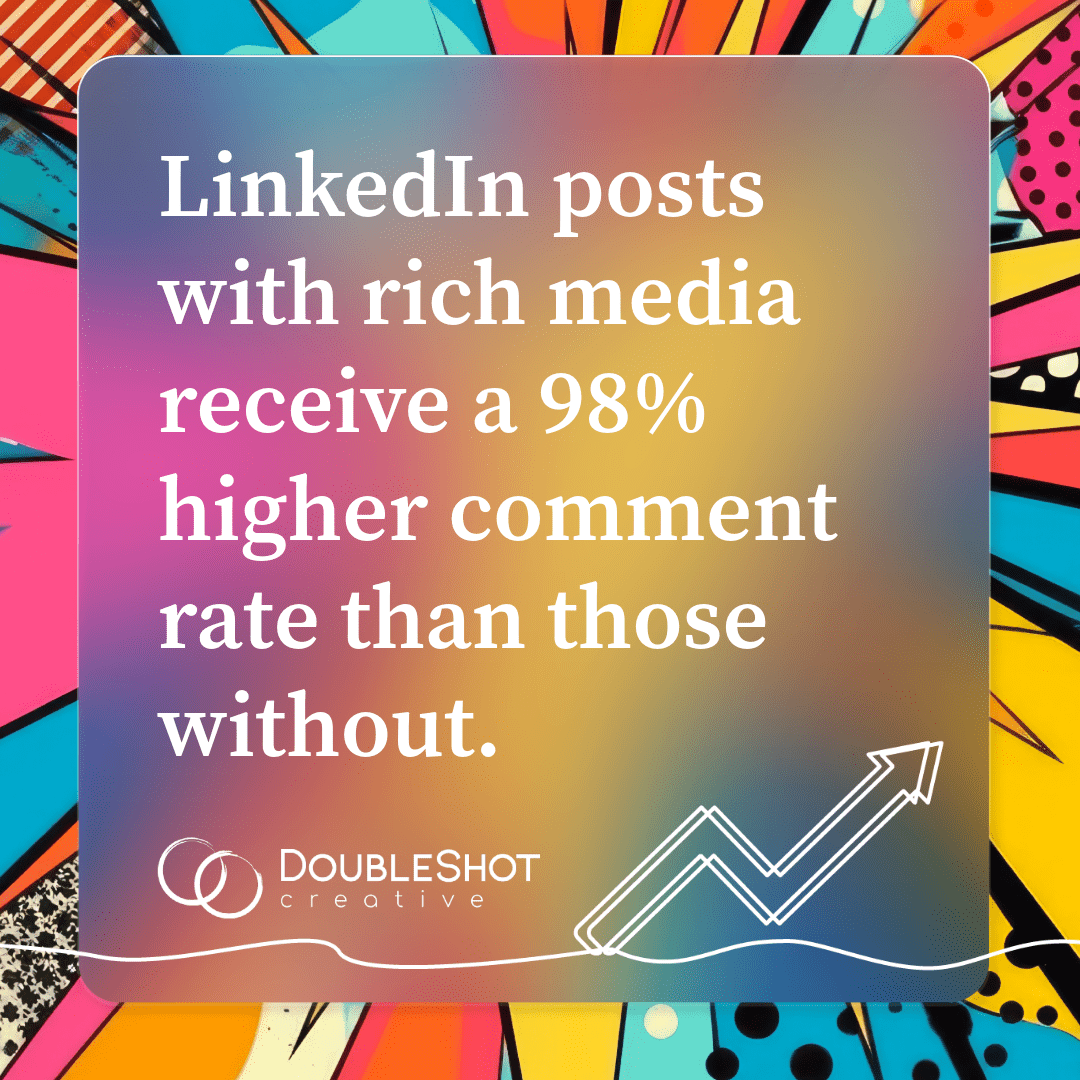
LinkedIn posts with images receive a 98% higher comment rate than text-only posts. But here’s the catch: quality beats quantity, every time. One perfectly sized, visually compelling image will always outperform a dozen pixelated, awkwardly cropped ones.
Whether you’re refreshing your personal profile, managing a LinkedIn Company Page, creating content, or running paid ads, this 2026 LinkedIn image dimensions guide has everything you need. Bookmark it, share it, and use it every time you upload.
Want to go deeper on building a strong presence beyond image sizes? Check out our related resources:
LinkedIn personal profile image sizes – 2026
Your personal profile is your digital first impression. These LinkedIn image dimensions apply to personal accounts and have remained consistent through 2026.
| Element | Recommended Size | Max File Size | Notes |
| Profile Photo | 400 x 400 px | 8 MB | Minimum 200×200 px; displays as a circle, so center your face |
| Cover/Banner Photo | 1584 x 396 px (4:1) | 8 MB | Mobile and desktop crop differently — preview on both before publishing |
Pro Tip: Cover photos display differently on mobile vs. desktop. Always preview your profile on both devices before hitting save. Keep important content in the center 1200 x 300 px “safe zone” to avoid mobile cropping.
LinkedIn Company Page image sizes – 2026
Company Pages are a powerful tool for brand visibility, thought leadership, and recruiting. Use these LinkedIn design dimensions to make sure your page looks polished across all devices.
| Element | Recommended Size | Max File Size | Notes |
| Company Logo | 300 x 300 px | 3 MB | PNG or JPEG; keep logo centered for all device views |
| Cover / Background Photo | 1128 x 191 px | 3 MB | Avoid heavy text near edges — can be cropped on mobile |
| Life Tab Module Image | 900 x 600 px | 3 MB | Available with Career Pages only |
Pro Tip: LinkedIn recommends uploading high-resolution JPEG files over PNGs for best image quality on Company Pages. Place your logo and key messaging away from edges, especially the lower-right corner, which can be trimmed on mobile.
LinkedIn post image sizes – 2026
This is where most people run into trouble. LinkedIn now supports three image orientations for feed posts, plus dedicated dimensions for articles, newsletters, documents, and video. Use this table as your go-to reference.
| Content Type | Recommended Dimensions | File Size / Format | Notes |
| Single Image (Landscape) | 1200 x 627 px (1.91:1) | Up to 5 MB / JPEG or PNG | Optimal for feed visibility and link previews |
| Single Image (Square) | 1200 x 1200 px (1:1) | Up to 5 MB / JPEG or PNG | Works well for quotes, infographics, branded content |
| Single Image (Portrait) | 1080 x 1350 px (4:5) | Up to 5 MB b/ JPEG or PNG | Mobile-only; strong for infographics and text-heavy visuals |
| Article Featured Image | 1200 x 644 px | Up to 5 MB / JPEG or PNG | Appears in feed when article is shared |
| Article Banner Image | 1200 x 644 px | Up to 5 MB / JPEG or PNG | Appears at the top of the article itself |
| Newsletter Header Image | 1280 x 720 px (16:9) | Up to 5 MB / JPEG or PNG | New in 2025; displays in both creation interface and subscriber view |
| Blog / Link Preview | 1200 x 627 px | Up to 5 MB / JPEG or PNG | Auto-pulled from Open Graph tags on your webpage |
| Document / Carousel PDF | 1080 x 1080 px or 1920 x 1080 px | Up to 100 MB / PDF preferred | Up to 100 pages; ideal for tutorials, case studies, thought leadership |
| Native Video | 1920 x 1080 px (16:9) ideal | Up to 5 GB / MP4 preferred | Min: 256 x 144 px; Max: 4096 x 2304 px; max length: 10 minutes |
What’s new for LinkedIn image sizes in 2026?
LinkedIn has made several notable updates to content specifications:
- Post images now support three orientations: landscape (1200 x 627 px), square (1200 x 1200 px), and portrait (1080 x 1350 px). Portrait is mobile-only and performs exceptionally well for infographics.
- LinkedIn Stories has been discontinued. Remove any Stories specs from older guides.
- Newsletter header images are now standardized at 1280 x 720 px (16:9).
- Native video max file size increased dramatically to 5 GB (previously 200 MB), giving creators far more flexibility.
- LinkedIn now supports images up to 36 megapixels, though keeping files under 5-8 MB is recommended for faster loading.
Pro Tip: Use JPEG format for photographs (smaller file size, faster load) and PNG for graphics with text or logos that need crisp edges. When in doubt, design at 1200 x 627 px. It’s the most universally safe LinkedIn image size for the feed.
LinkedIn ads, events & groups: Image dimensions – 2026
Running paid campaigns or hosting events on LinkedIn? These dimensions are critical for professional presentation and ad approval. Note the updated Event Cover Image size, which changed in 2025.
| Ad / Event Type | Recommended Dimensions | File Size | Notes |
| Company Logo (Ads) | 100 x 100 px | 2 MB | PNG or JPEG; used in sponsored content header |
| Spotlight Ad Logo | 100 x 100 px | 2 MB | Paired with custom background (300 x 250 px) |
| Sponsored Content Image | 1200 x 628 px (1.91:1) | 5 MB | Single image; most common paid format |
| Sponsored Carousel Images | 1080 x 1080 px (1:1) | 10 MB per image | All images in carousel must use same aspect ratio |
| Event Cover Image | 1776 x 444 px (4:1) | 8 MB | Updated 2025; previously 1600 x 900 |
| Event Logo | 300 x 300 px | 3 MB | PNG or JPEG |
| Group Logo | 300 x 300 px | 3 MB | PNG or JPEG |
| Group Banner | 1536 x 768 px | 8 MB | Keep key content centered |
Pro Tip: For sponsored content, 1200 x 628 px at a 1.91:1 ratio is the safest bet for maximum placement compatibility across desktop and mobile feeds. Always preview ad creatives in LinkedIn’s Campaign Manager before launching.
Why LinkedIn image dimensions matter for your brand
- Using the correct LinkedIn image sizes isn’t just a technical detail. Proper LinkedIn image dimensions help your posts display correctly across desktop, tablet, and mobile feeds. Correct dimensions prevent cropping that cuts off your logo, face, or key messaging
- Properly sized images avoid LinkedIn’s aggressive compression, which degrades image quality
- Professional, sharp visuals signal credibility and attention to detail on a platform built for business
- With more than half of LinkedIn traffic coming from mobile devices, mobile-first design is no longer optional
A strong visual presence starts with the basics, but it’s only one piece of a larger brand strategy. If you’re ready to take your LinkedIn presence further, explore our social media management services or dive deeper into brand strategy with our guides on brand archetypes and what makes a brand more than a logo.
Quick reference: LinkedIn Image Sizes Cheat Sheet – 2026
Need a fast answer? Here are the most commonly used LinkedIn image dimensions:
| Content type | Recommended Dimensions |
| Profile photo | 400 x 400 px |
| Personal cover/banner | 1584 x 396 px |
| Company logo | 300 x 300 px |
| Company cover | 1128 x 191 px |
| Feed post image (landscape) | 1200 x 627 px |
| Feed post image (square) | 1200 x 1200 px |
| Feed post image (portrait/mobile) | 1080 x 1350 px |
| Article/newsletter image | 1200 x 644 px |
| Newsletter header | 1280 x 720 px |
| Document carousel | 1080 x 1080 px or 1920 x 1080 px |
| Video | 1920 x 1080 px (16:9), up to 5 GB |
| Sponsored content ad | 1200 x 628 px |
| Event cover | 1776 x 444 px |
FAQ: LinkedIn Image Sizes
What is the best LinkedIn post image size?
The most reliable LinkedIn post size is 1200 × 627 px (1.91:1), which works well for link previews and feed posts.
What size is a LinkedIn banner?
The recommended LinkedIn profile banner size is 1584 × 396 px.
What size should LinkedIn carousel slides be?
LinkedIn carousel documents perform best at 1080 × 1080 px or 1920 × 1080 px per page.
What is the recommended size for LinkedIn company cover photos?
The recommended size for a LinkedIn Company Page cover image is 1128 × 191 px.
Ready to put these dimensions to work? DoubleShot Creative helps B2B brands build a social media presence that’s as strategic as it is polished.
Explore our social media services and let’s build something great together.